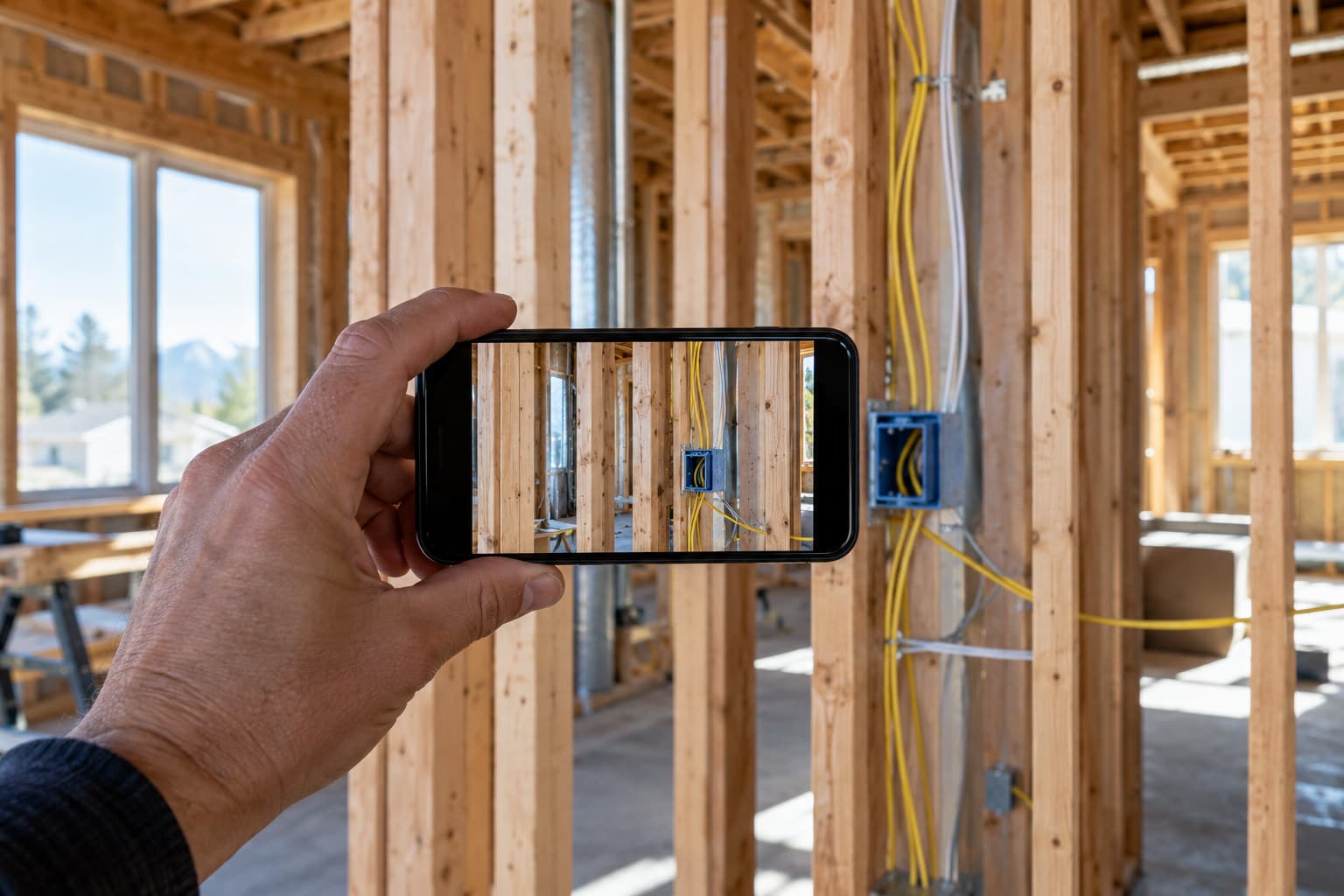
A construction progress photo proves something only when it clearly shows what the condition was, where it was, and when it was taken, and most progress photos fail at least one of those three.
Why most progress photo folders are useless later
Every contractor has a phone full of job site photos. Most of them do nothing if a dispute comes up six months later. A photo of a wall going up tells you a wall went up. It does not tell you which wall, which unit, which date, or what was behind it before it got covered. When someone asks what was done and when, a folder of unsorted photos is not an answer.
The photo that proves something and the photo that does not can look almost identical. The difference is never the photo itself. It is what surrounds it: location, date, and a clear statement of what the camera is pointed at.
What makes a photo actually prove something
A progress photo that holds up later usually has all three of these together, not just one:
- A clear, specific location: not just ’kitchen’ but which unit, which wall, which elevation
- A timestamp or a date tied to the photo at the moment it was taken, not added after the fact
- A short statement of what is being shown: rough plumbing before insulation, waterproofing before backfill, rebar placement before the pour
Drop any one of these and the photo turns into a guess. A dated photo with no location note still leaves someone asking which unit or which floor. A labeled photo with no date leaves someone asking whether it was taken before or after a change order.
The photo that does not prove anything
The weak photo is usually one of these:
- A wide shot of a room with no indication of what detail matters
- A photo with a phone’s default timestamp that can be edited or that nobody trusts
- A photo saved with a generic filename and no note about what it shows
- A photo taken after the work was already covered, standing in for a condition nobody actually documented
Build a habit, not a folder
The fix is not a better camera. It is a habit at the moment of the walkthrough: photograph the condition, say out loud what it is and where it is, and get that attached to the photo before you move to the next spot. Waiting until the end of the day to sort and caption photos from memory is where accuracy falls apart.
This is the gap SayScope is built to close. On a walkthrough, you photograph the item, circle what matters on the photo, hold a button and say what it is, and that gets attached right there, grouped later by room and by trade. Walkthroughs are unlimited and free. Each account can send one report a week free, which covers most routine progress documentation. A bigger walkthrough, or a second report the same week, needs a plan.
Whatever tool you use, the standard is the same: location, date, and a plain statement of what the photo shows, captured at the time, not reconstructed later.
Where progress photos matter beyond the job itself
Good progress photos feed into more than your own memory. They support a schedule of values when you bill for a percentage of work in place. They back up a daily log when someone asks what was done on a given date. They matter if a change order gets disputed later, since a dated photo of the original condition can settle a question that a written description alone cannot.
They also matter if a payment dispute escalates toward a mechanics lien. Lien rights, notice requirements, and filing deadlines are set by each state’s own law and differ from state to state, so if you are relying on photos to support a lien claim, check the rules for the state where the property sits or ask a lawyer licensed there. This post is general information, not legal advice, and nothing here should be read as a prediction of how any claim, inspection, or dispute will turn out.