Before
What you used to leave with
A phone full of photos. The write-up still in your head.
Your camera roll
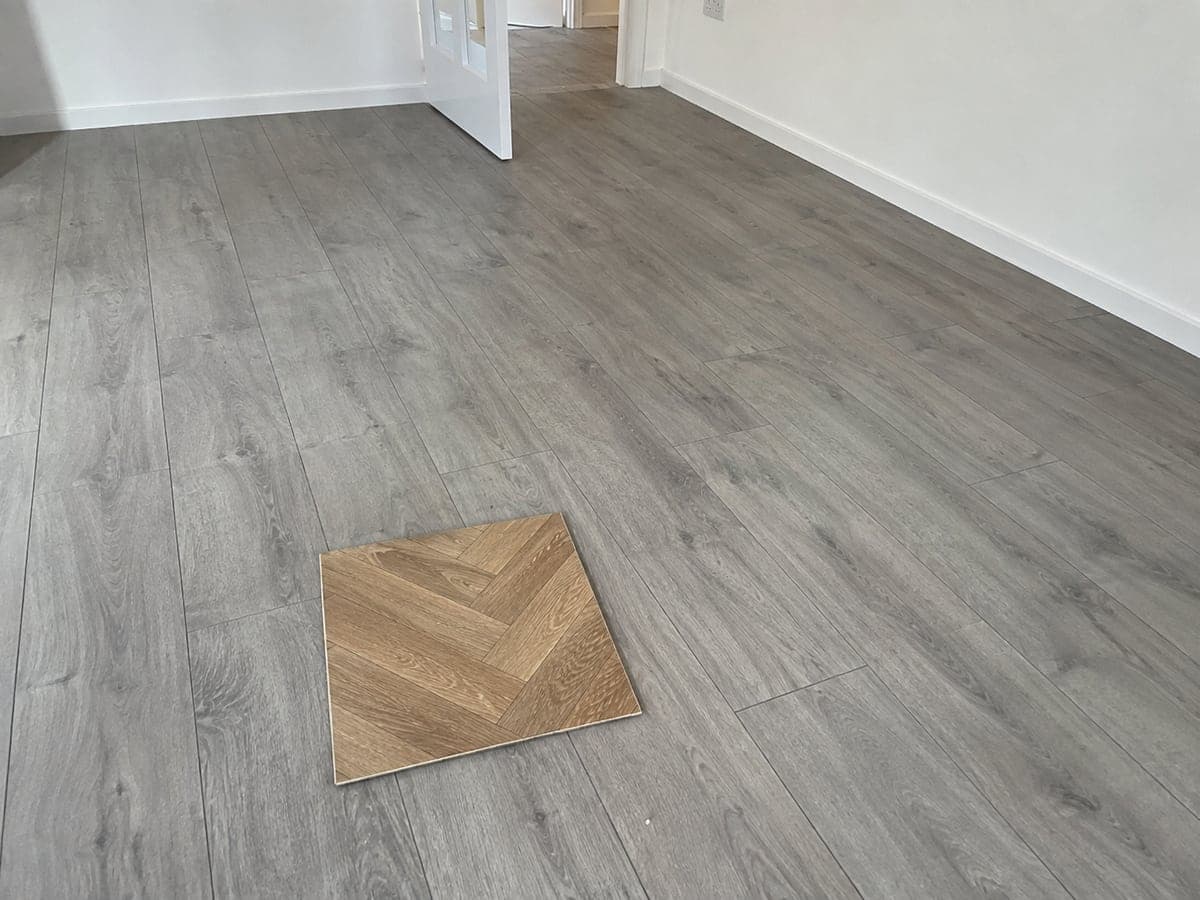
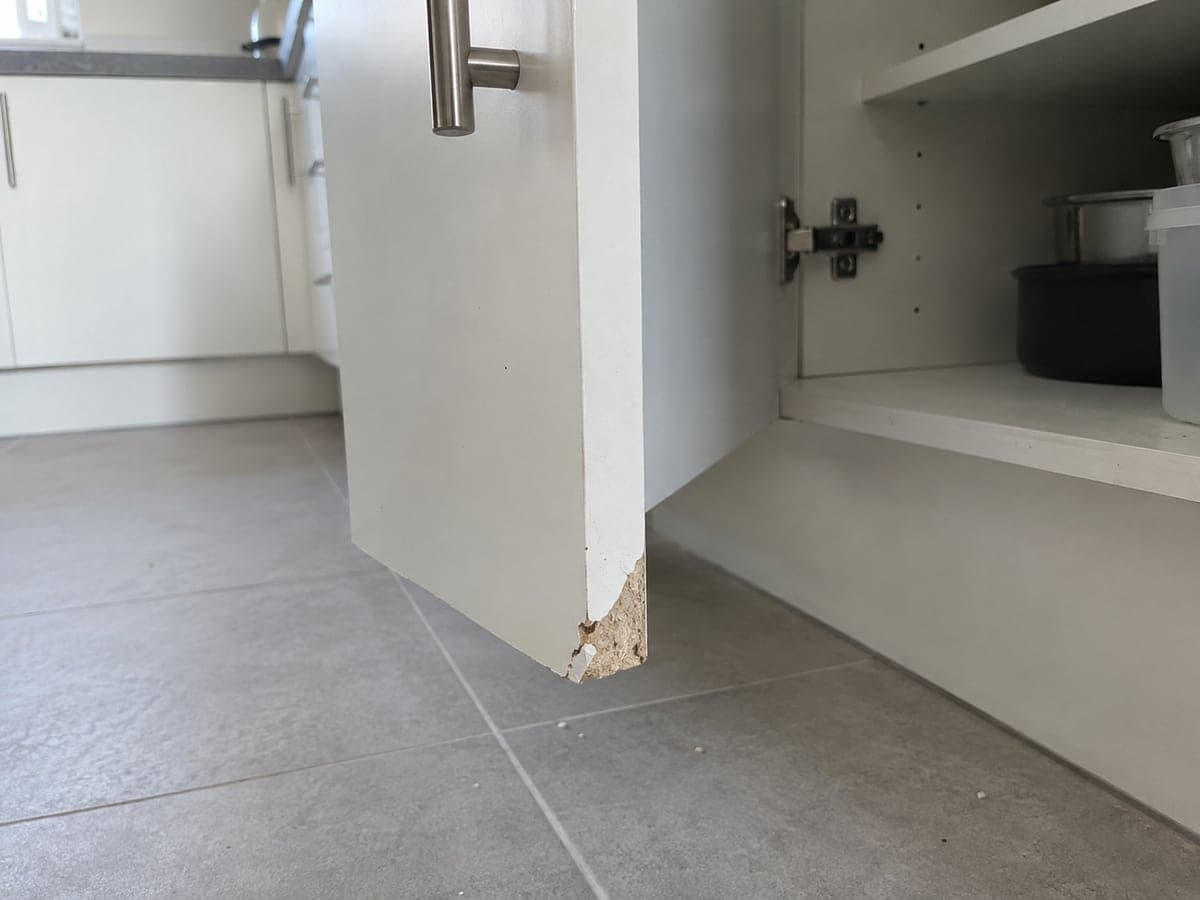
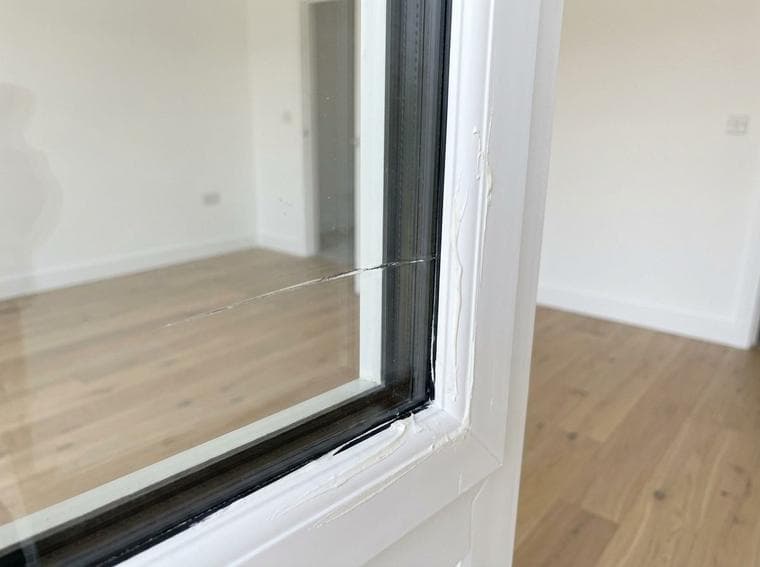
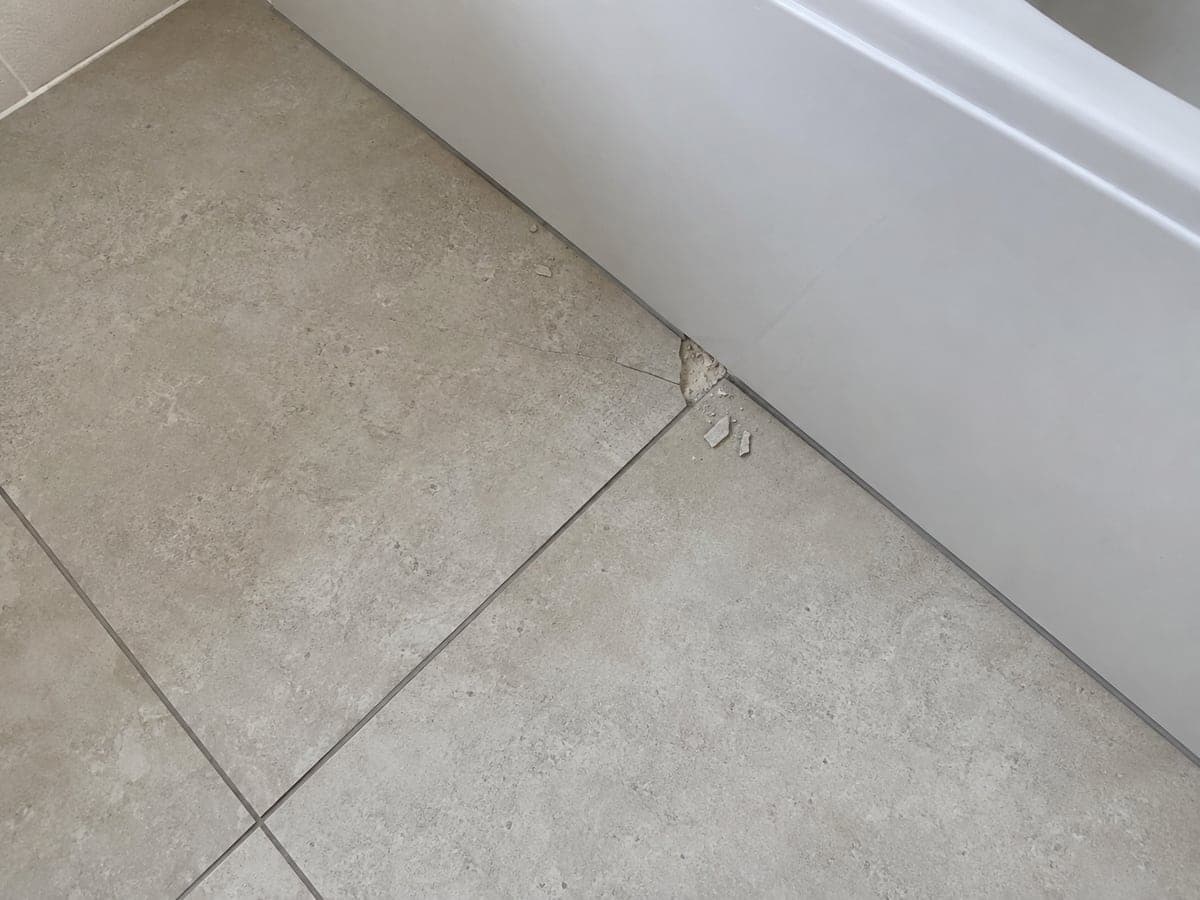

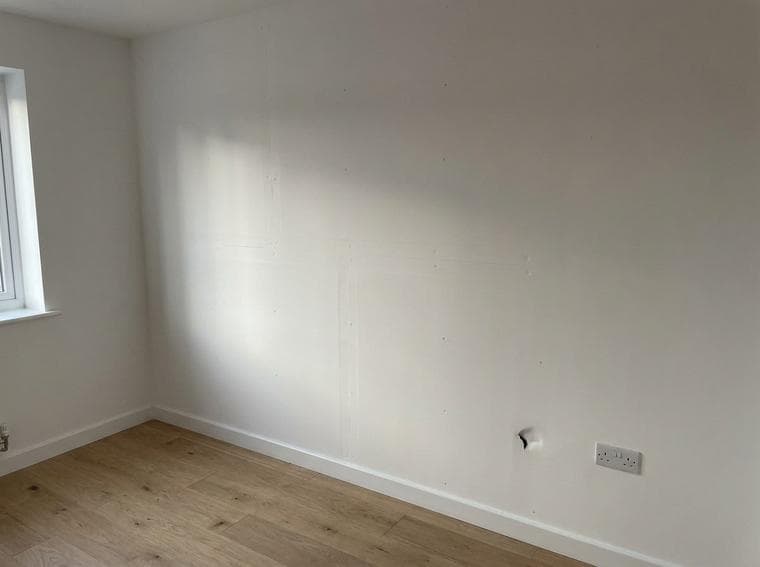
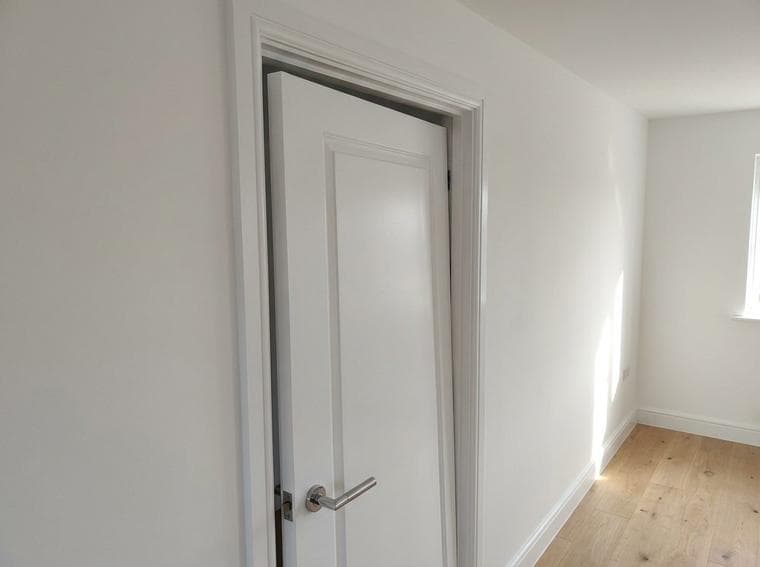
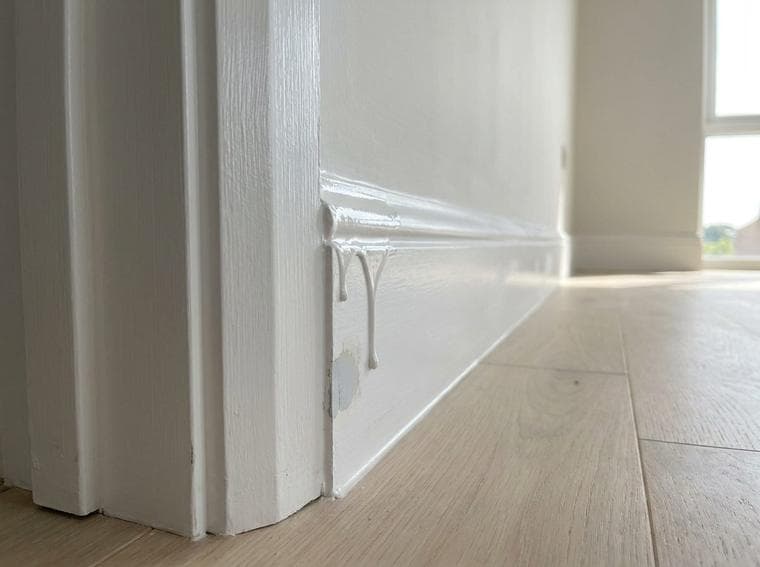
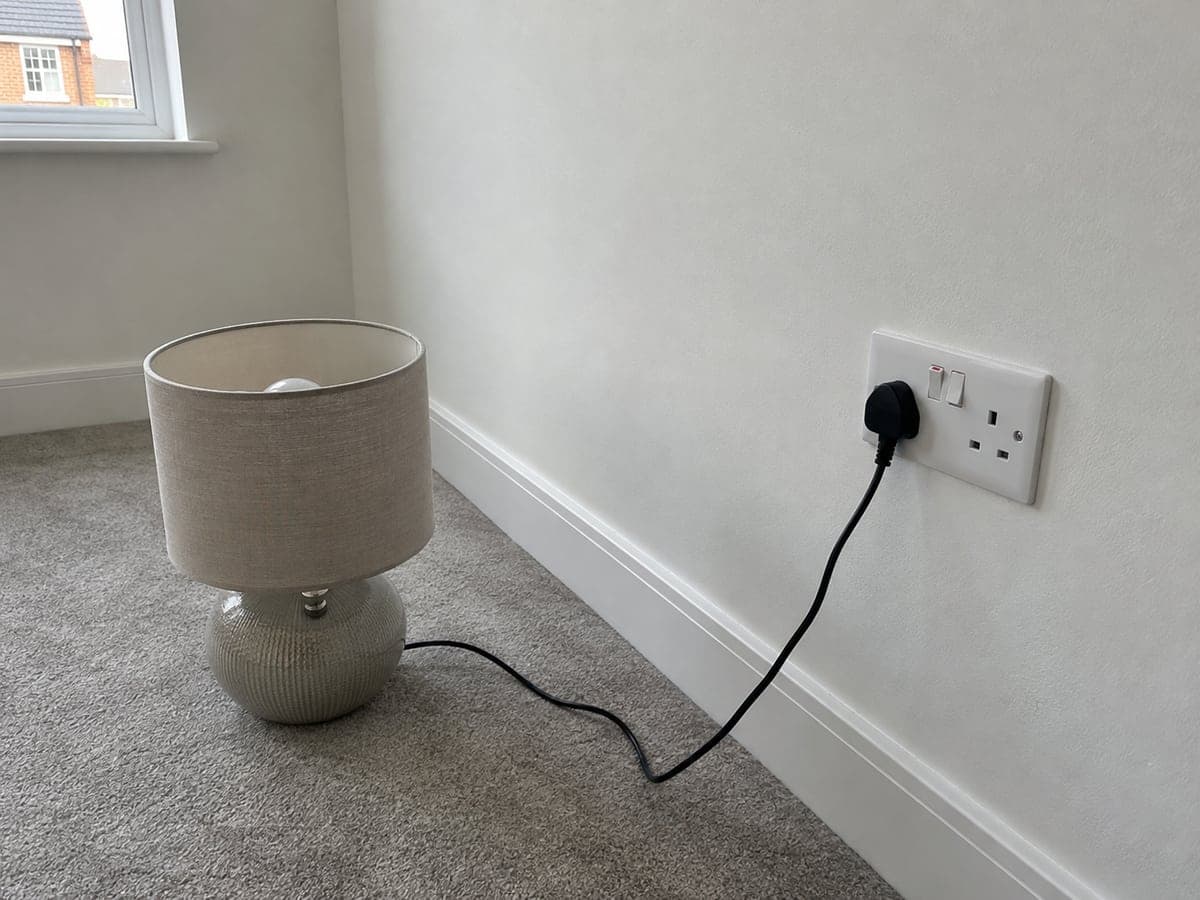
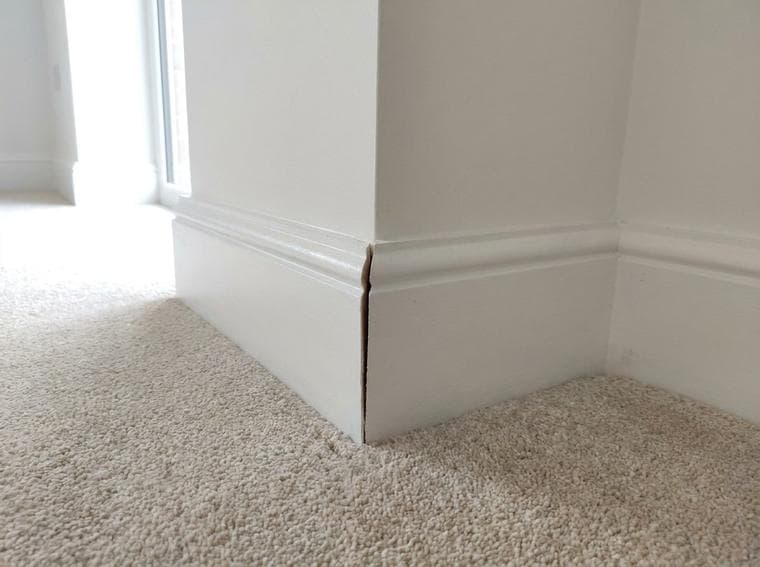
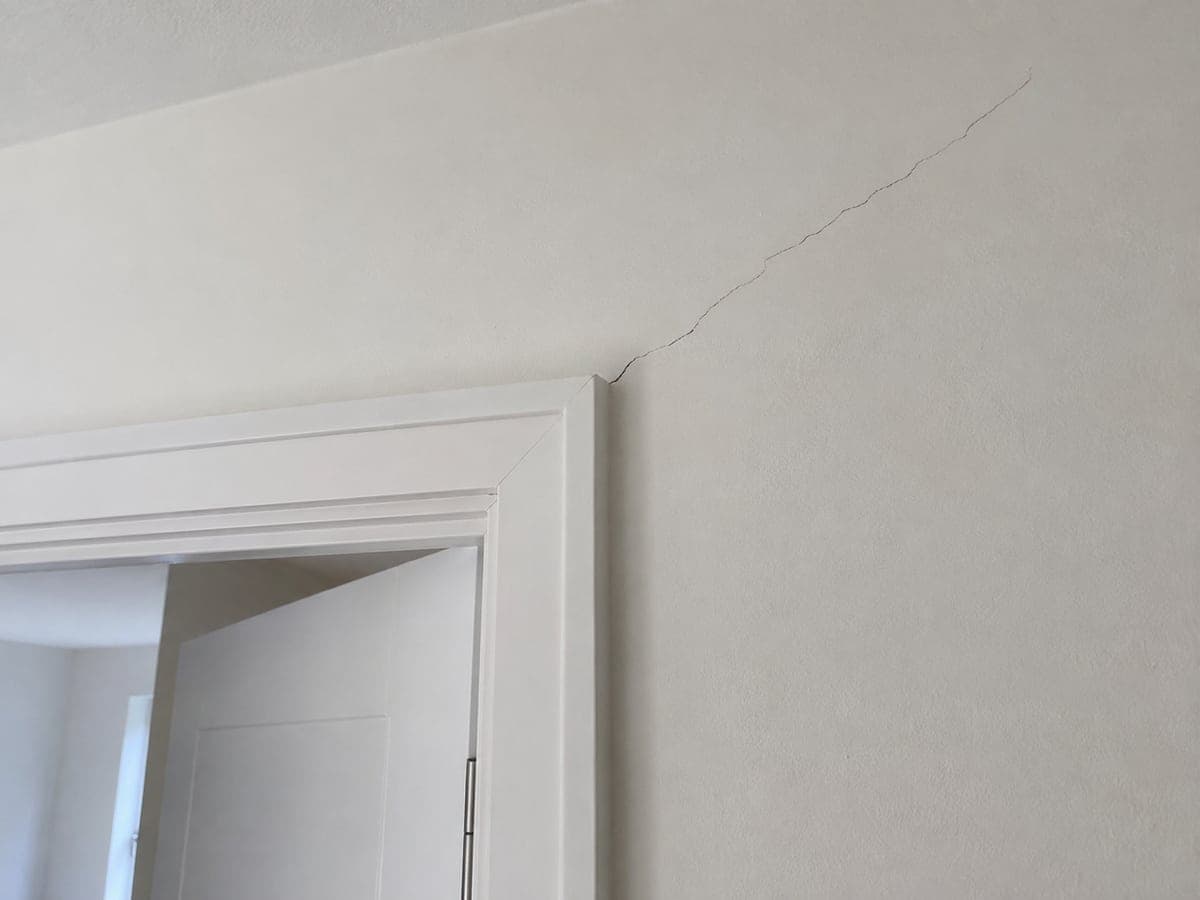
11 photos
“I’ll sort these out tonight.”
Find the room. Remember the detail. Start the write-up.
The AI field report app
SayScope turns your photos and spoken notes into a report you can review and send. Capture the details while you’re there, so there’s less to piece together after dinner.
One free report a week · Up to 10 items · No card
For contractors, inspectors and property professionals
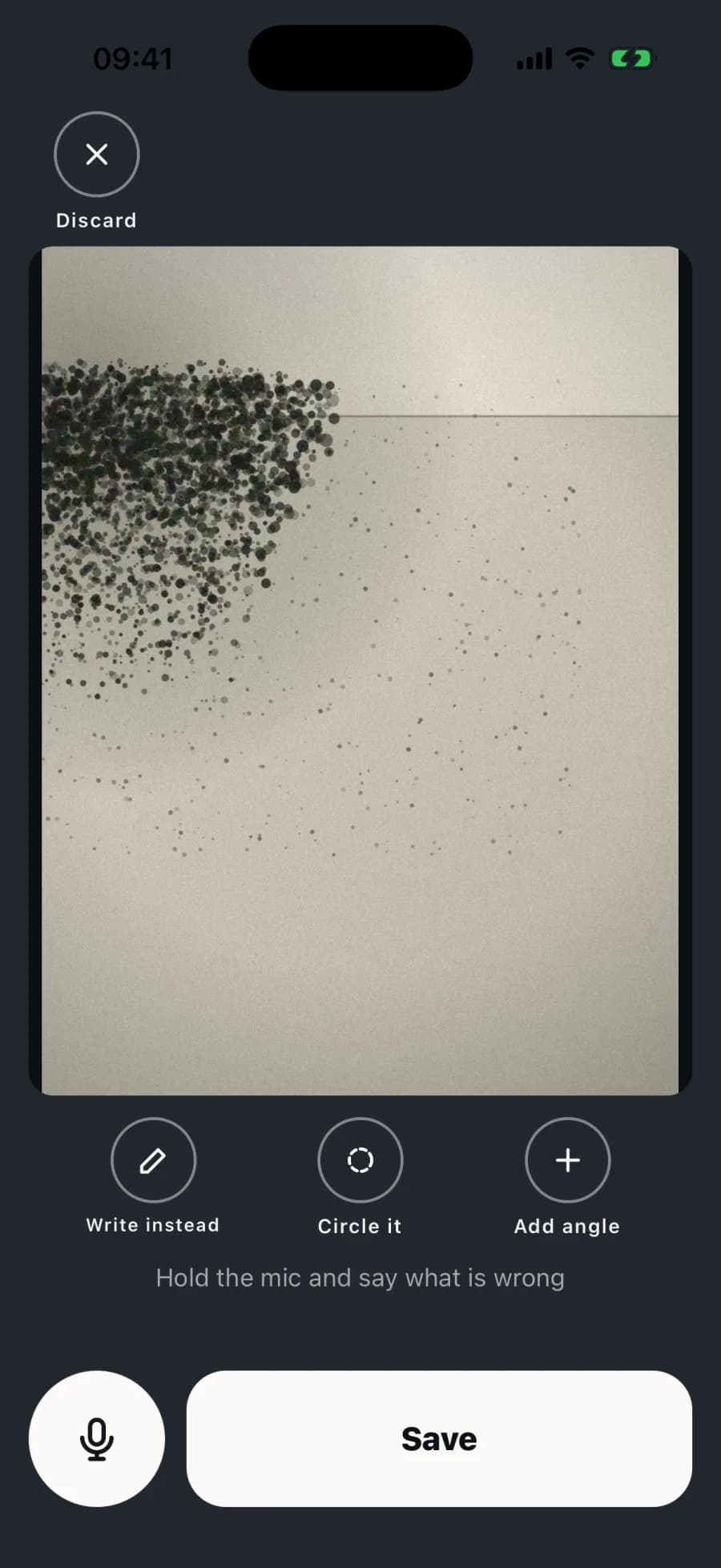
Take the photo, then hold to speak. Your voice note stays with the detail you spotted.
Actual iPhone app. Demonstration walkthrough.
That it’s handled feeling
From ‘I’ll write it up later’ to a handover you can feel good about.
Before
A phone full of photos. The write-up still in your head.
11 photos
“I’ll sort these out tonight.”
Find the room. Remember the detail. Start the write-up.
Now with SayScope
Your photos, observations and next steps in one clear handover.
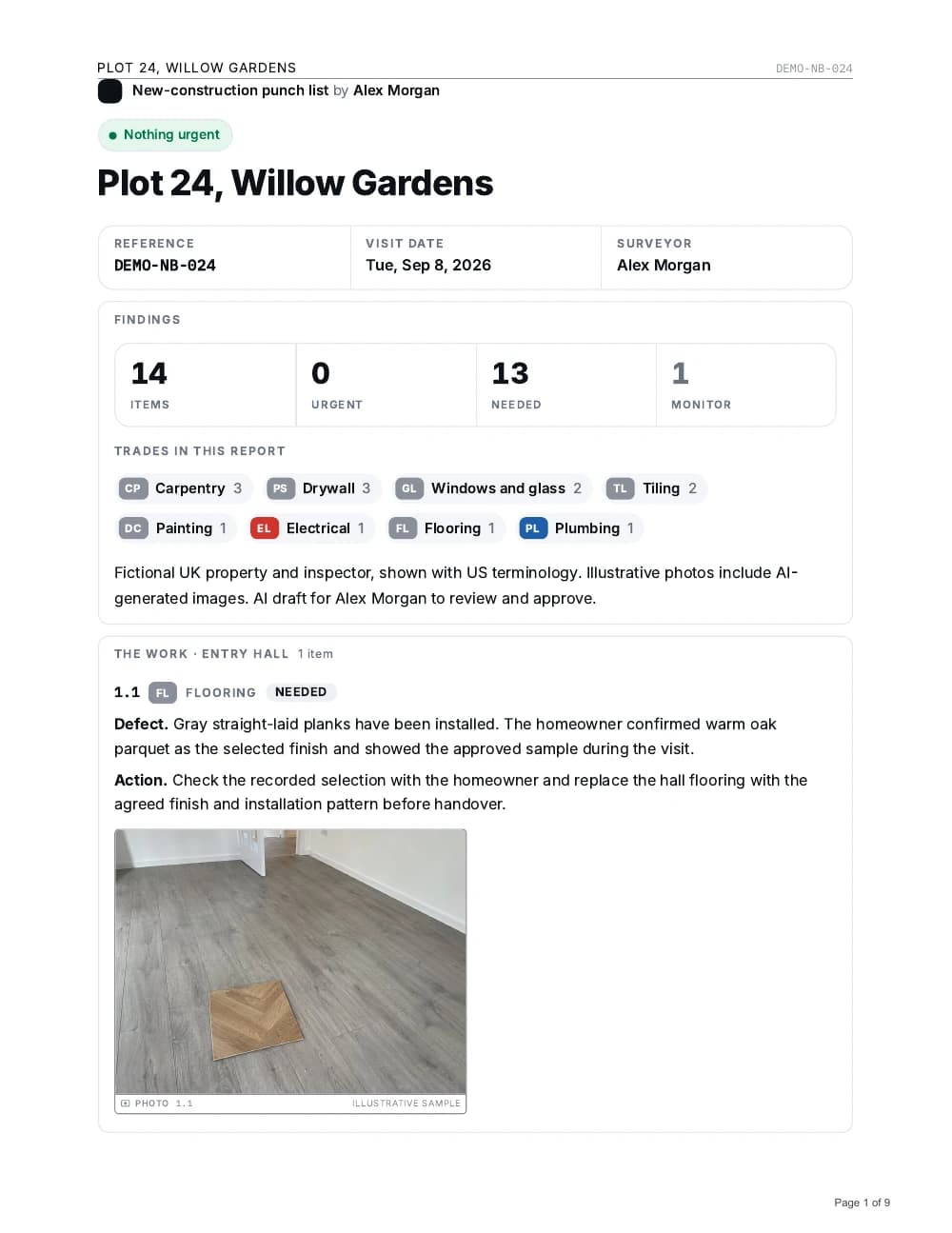
Checked. Written up. Ready to hand over.
A clear report for them. Less hanging over you.
Same sample walkthrough. Same photos. Review the draft, then share the report and hand over the work sheet.
Illustrated camera roll using the fictional new-home sample. Document previews are pages from the downloadable PDFs.
The room, the photo and what you said stay together, while the details are still fresh.
A clear report with photos for the client. A matching work sheet for the trades.
Review the draft and make it yours, without starting from a camera roll and a blank page.
From first photo to finished report
Start with an address. Capture what matters as you walk. No templates to build or projects to configure.
Photograph the issue and mark the detail that matters. Keep the evidence with the walkthrough.
Add a voice note. AI drafts the observation and the work you described, with the photo alongside.
Review the wording, make your edits and export a PDF or share a report link.
Inside a new-home walkthrough
The wrong floor. A cracked tile. A damaged cabinet door. An outlet that did not work. See how a full walkthrough becomes a clear, photographed punch list of what needs fixing.
Read the full report, then open the matching work sheet. AI drafts from recorded observations; you check and approve the wording.
For the contractor
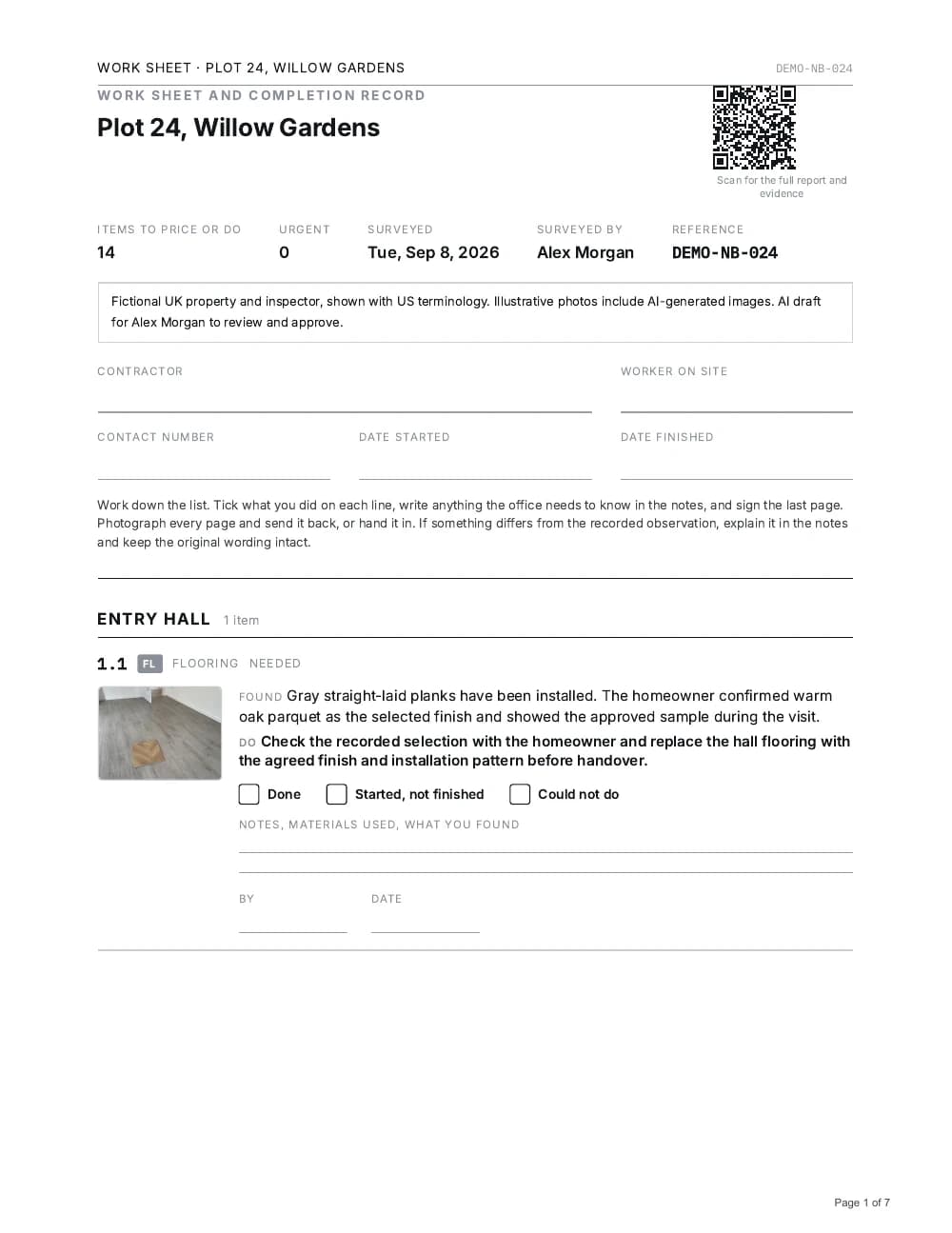
Work sheet
The same 14 numbered items. Print it for notes, materials used and completion.
Open the 7-page work sheetBuilt around the walkthrough
Leave with the photos and instructions you need to prepare a scope, while the details are still fresh.
Explore scopes of workRecord each issue in the room where you find it. Give the builder a clear, photographed punch list.
Explore punch listsKeep the walkthrough, the observations and the report together, ready for the owner or contractor.
Find your use caseSayScope Free
Start without a card. Your free allowance includes one report every 7 days, up to 10 items. See pricing for AI allowances and paid options.
See exactly what is includedOn the App Store and Google Play
SayScope is on the App Store for iPhone and on Google Play for Android. Download it, walk your next site, and send your first report free. No account needed to start.
Already in the browser? Open your walkthroughsYes. SayScope is on the App Store for iPhone and on Google Play for Android, in the US, UK and French stores. Download it, start a walkthrough without an account, and your free allowance begins straight away.
SayScope turns your spoken notes into structured draft findings. Your photos stay with the observations. Review the wording and correct anything that needs changing before sharing; the app does not replace your professional judgment.
Yes, once the app has been opened online. Photos and notes save on the device while you are offline. AI drafting, uploads and sharing need an internet connection.
Yes. You can choose the report language separately from the language of your notes. Review the translated draft before sending it.
Capture photos, record notes and review your reports for free. Share one report every seven days with up to 10 items. Cloud AI transcription and drafting have a separate usage allowance, explained on the pricing page. In the iPhone app, Pro removes the weekly export limit and item cap for $34.99 a month or $299 a year, and one report costs $19 without a subscription. Paid plans are bought on the US App Store, not through the browser. Every report carries a Made with SayScope credit.
You can try your first walkthrough without an account. In the iPhone app, free sign-in with Apple or Google is required from the second walkthrough and links your work to your account. The browser version saves work in the browser you use; keep that browser’s data to retain access.
Start your next walkthrough with a photo and a few words. Give yourself less to bring home.
Try free in your browserOne free report a week · Up to 10 items · No card