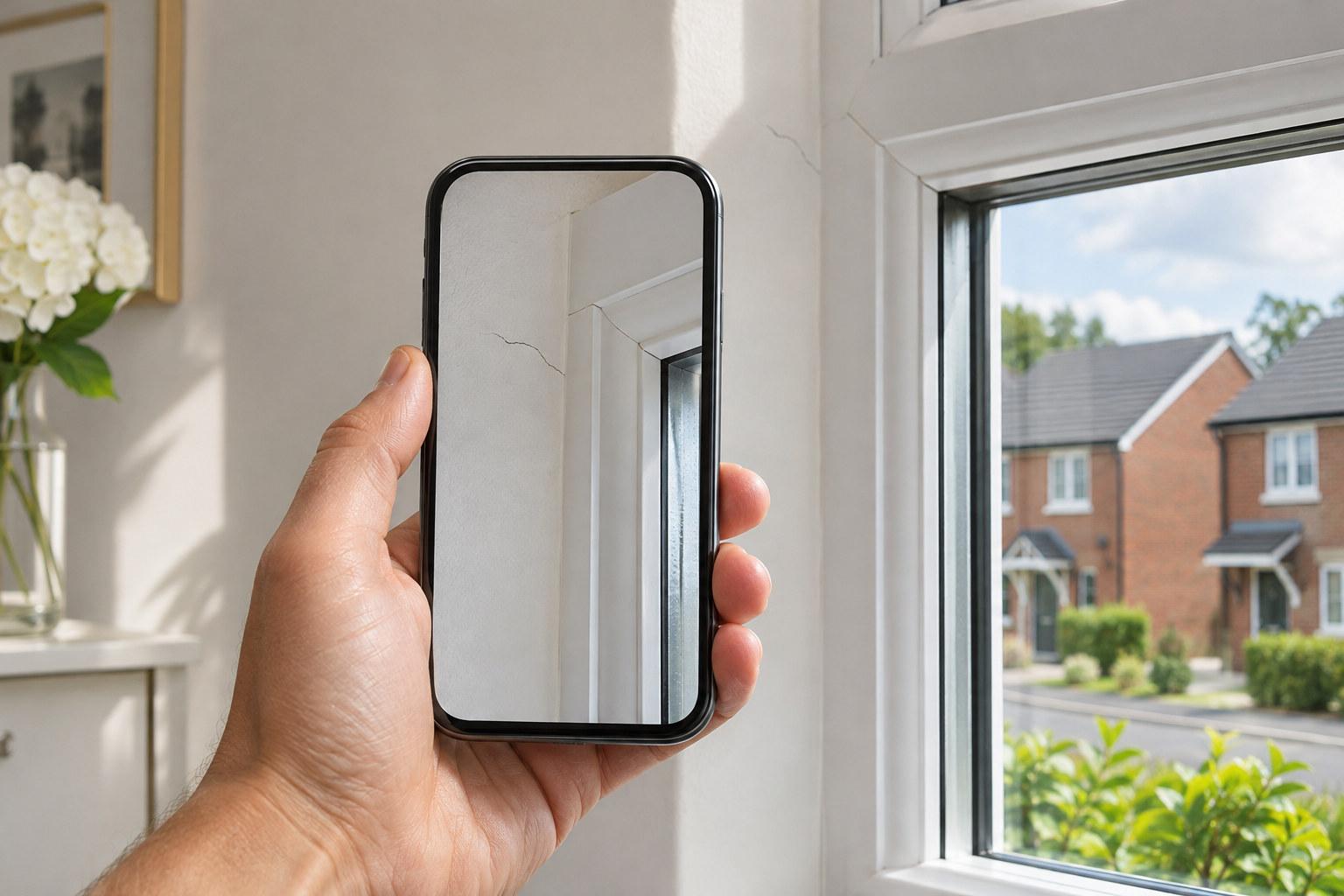
A snagging list app is simply your phone doing the job a spreadsheet used to do badly: photographing each defect, marking exactly where it is, and sorting the result by room and trade before you’ve left the property.
Why a spreadsheet struggles on site
A spreadsheet works fine at a desk. On site, walking room to room with a phone in one hand and a pen in the other, it falls apart fast. You end up taking photos on your camera roll, typing descriptions later from memory, and trying to remember which photo matched which note. By the time you sit down to write it up, half the detail is gone or muddled between rooms.
The gap is between the moment you spot a defect and the moment it gets recorded properly. A spreadsheet adds friction right there. An app built for the job removes it.
What a snagging list app actually does differently
Instead of photo, then later note, then later spreadsheet row, the process collapses into one step on site.
- 1Photograph the defect where it is.
- 2Circle or mark the exact spot on the photo.
- 3Hold a button and say what’s wrong, out loud, there and then.
- 4Move to the next room and repeat.
By the time you’ve walked the property, the write-up is mostly done. SayScope works this way: you photograph, circle and speak, and it leaves you with a report already grouped by room and by trade, which is the structure most people need anyway when they’re deciding what to raise with the developer and in what order.
Grouped by room and by trade, not just a long list
A flat spreadsheet list tends to read in the order you found things, which is rarely the order anyone wants to act on. Grouping by room makes sense if you’re walking the developer through the property again. Grouping by trade makes sense if you’re trying to see how many issues sit with the electrician versus the plasterer versus the window fitter. A decent snagging list app can give you both views from the same set of entries, because the structure comes from how you tagged each item, not from how you typed it into a column.
What this costs versus what a spreadsheet costs you in time
Site visits are free and unlimited with SayScope, and each account gets one report a week free, carrying up to 10 items. That’s enough for a lot of smaller snags or a quick once-over. A bigger visit, or a second report in the same week, needs a plan: £34.99 a month, £299 a year, or £19 for a single report in your own name if you only need one.
A professional snagging survey, where someone else does the inspecting for you, typically costs £300 to £600 depending on property size. Doing your own list on your phone costs nothing beyond the report fee if you go past the free tier, and you keep control of what gets flagged and when.
Before legal completion, this matters more
If you’re doing this yourself rather than appointing someone, a phone-based list makes the inspection faster to complete and easier to hand over, since the developer gets a report that’s already organised rather than a loose set of photos and scribbled notes.
After completion, under NHBC Buildmark
If your new build carries NHBC Buildmark cover, you get a two year builder warranty period from legal completion, followed by eight years of insurance against specified structural defects. NHBC also runs a free resolution service in the first two years. A running list on your phone, built as you notice things over that period rather than all at once, means you’re not trying to reconstruct a timeline of defects from memory when you come to raise them.