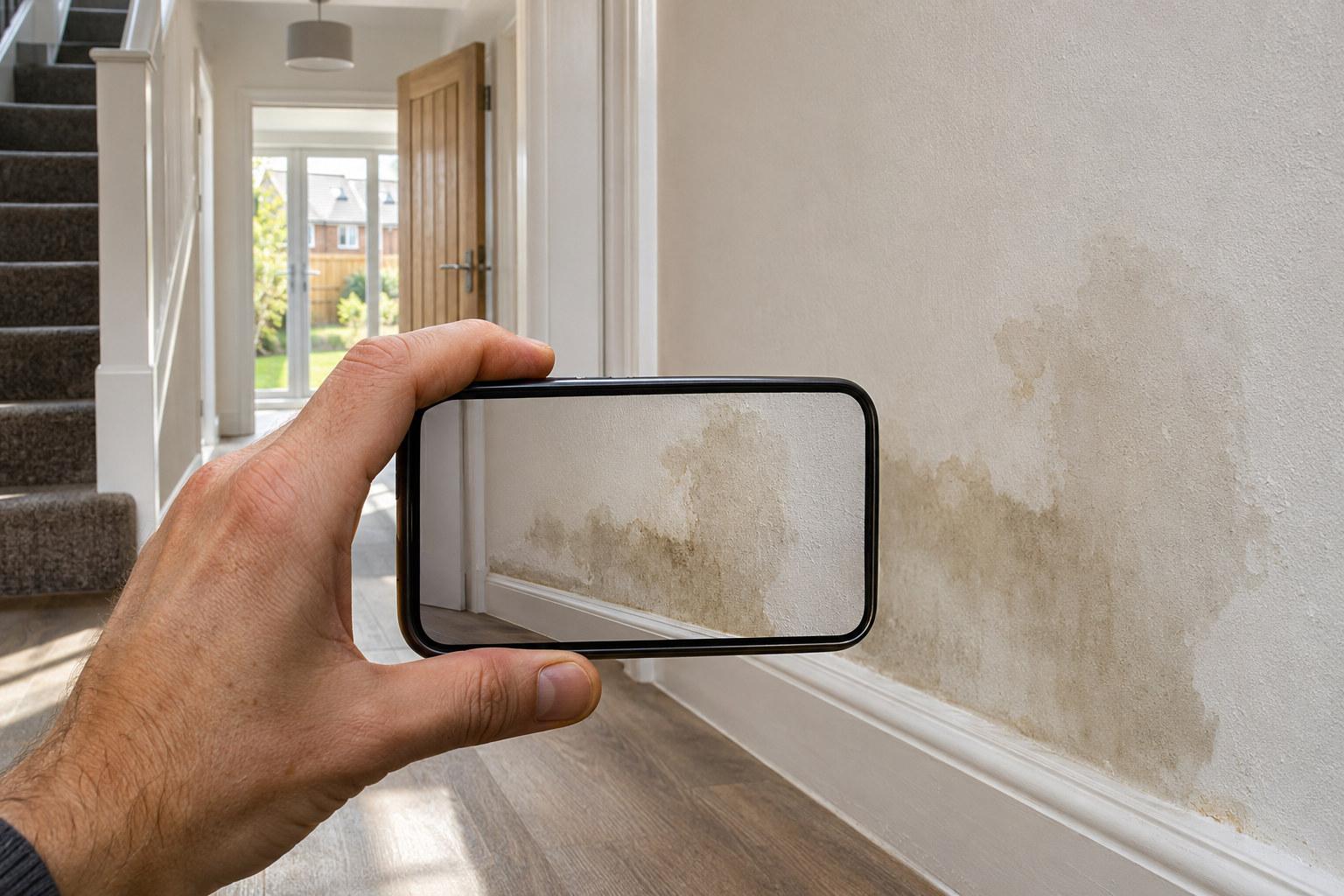
The right property inspection software is whichever one lets you photograph, annotate and describe a defect in one motion on site, then hands you a report grouped by room and trade without extra work back at the desk.
What this category actually covers
Property inspection software spans a wide range: full RICS condition survey platforms, dilapidations tools, commercial building audit kits, and lighter apps built for snagging a single new-build home. If you are searching this term as a surveyor, you are probably trying to work out which end of that range you actually need, and whether the tool will save time on site or just move the admin somewhere else.
The honest answer is that most of the value sits in two places: how fast you can capture a defect while standing in front of it, and how little rework the report needs once you are back at your desk. Everything else, from branding to integrations, is secondary.
Capture speed on site
Walking a property with a clipboard or a general-purpose note app means stopping to type, scrolling to find the right photo, and trying to remember which crack belonged to which room by the time you write it up. Software built specifically for inspection should collapse that into one action per defect.
- Can you photograph the defect, circle it on the photo, and record a voice note in a single held-button action, without switching screens
- Does it transcribe the voice note into text automatically, or do you have to retype it later
- Can you work through a property offline if signal is poor, which is common in new-build sites still under construction
- Does the app let you log as many items as the property needs, or does it quietly cap you mid-visit
Report structure, not just photos
A folder of annotated photos is not a report. For the output to be usable by a developer, a site manager, or a homeowner chasing up trades, it needs to be grouped sensibly.
- Grouped by room so someone can work through a property floor by floor
- Grouped by trade so a site manager can hand the plastering items to the plasterer and the electrical items to the electrician without re-sorting them first
- Each item should carry the photo, the annotation, and a written description, not just a thumbnail and a tick
This is where SayScope’s approach is worth naming: the report groups by room and by trade automatically from the same capture you did on site, so the structure is not extra work, it is a by-product of how you recorded the defect in the first place.
Pricing models worth comparing
Inspection software pricing varies more than most buyers expect, and the model matters as much as the headline number. Before committing, work out which of these you actually are:
- A surveyor doing occasional visits, where a single-report price makes more sense than a subscription
- Someone running multiple visits a week, where a monthly plan removes the friction of paying per job
- A practice doing enough volume that an annual plan undercuts the monthly rate over a year
SayScope’s model is a useful reference point for comparison: visits are free and unlimited, and each account gets one report a week free, carrying up to 10 items. Beyond that, a monthly plan is £34.99, an annual plan is £299, or a single report in your own name is £19. Whatever software you land on, check whether the free tier is genuinely usable for a small job or just a trial designed to expire.
Where new-build rules intersect with your tool choice
If you are inspecting new-build homes, two frameworks shape what the software needs to support, not what it does on its own.
- NHBC Buildmark gives a two year builder warranty period from legal completion, followed by eight years of insurance against specified structural defects, with a free NHBC resolution service available in the first two years
- The New Homes Quality Code Version 2 (March 2026) gives the buyer a right to a pre-completion inspection, carried out either by themselves using the NHQB checklist or by a professional from a recognised body such as CABE, CIOB, ICWCI, RICS or RPSA holding professional indemnity insurance. Where issues breach warranty technical standards, the developer is expected to address them, ideally before legal completion or within 30 days
Software does not determine whether an item counts as a breach of technical standard, that is a judgement call for the inspector. What it should do is make the report clear enough that a developer, a site manager and a homeowner are all looking at the same evidence when that conversation happens.
Questions to ask before you commit
- 1Does the free tier let me complete a real job, or is it capped so low it only demonstrates the interface
- 2Can I export the report in a format a developer or site manager will actually open and use
- 3Is pricing per visit, per report, or per seat, and which of those matches how often I actually work
- 4Does the report stand on its own as evidence, with photo, annotation and description together, or will I need to rebuild it in another document afterwards