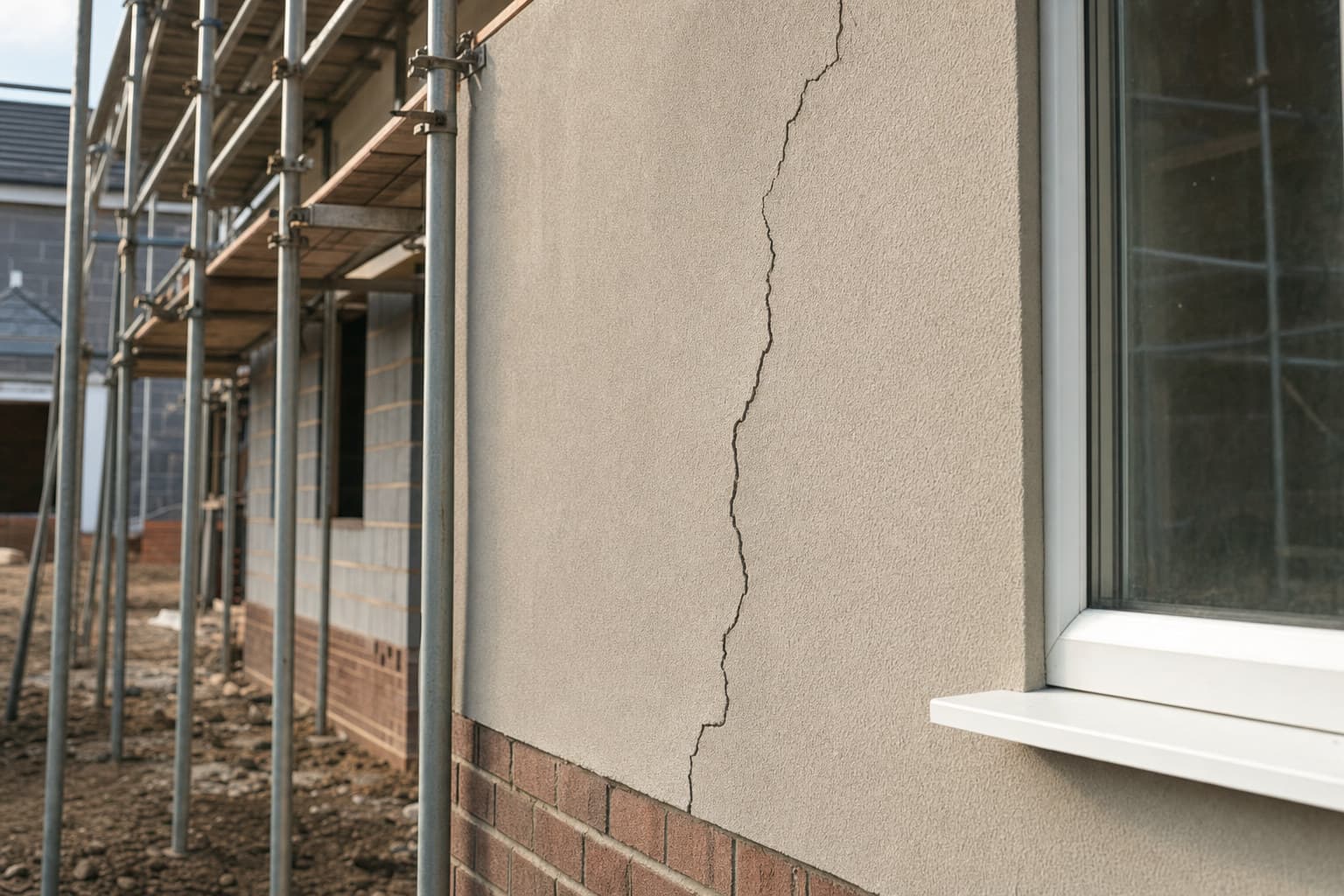
A property inspection app should turn photographs and spoken notes taken on site into a structured report, grouped by room and by trade, with no retyping required later.
The job an inspection app is actually for
A surveyor walking a property does not need an app to replace judgement. The judgement is yours: what counts as a defect, how severe it is, which trade is responsible. What the app needs to do is remove the admin that eats the hour after the visit. That means capturing the photo, the location on the photo, and your spoken description together, in the moment, so nothing has to be reconstructed from memory at a desk later.
If the app cannot do that reliably, on site, in poor signal, on a cold stairwell with gloves on, it is not doing the job. Everything else, PDF styling, branding, client portals, is secondary to getting accurate capture at the point of inspection.
What the output needs to contain
A property inspection report earns its fee by being usable by someone who was not on the visit. That sets a minimum bar for what the app has to produce:
- A photo of each defect with the exact location marked on the image, not just a caption
- A written or transcribed description tied to that photo, in your own words
- Grouping by room, so a client can walk the report the way they would walk the property
- Grouping by trade, so whoever picks up the work knows what belongs to them
- A defect count and structure consistent enough that two reports from the same surveyor read the same way
Grouping by trade matters more than it sounds. A report sorted only by room forces a contractor to hunt through every page for the items that are theirs. Sorted by trade as well, the electrician gets their list, the plasterer gets theirs, and nothing gets missed because it was buried on page fourteen.
Capture speed versus report quality
The practical test of an inspection app is how long it takes to log one defect: photograph it, circle it, say what is wrong, move on. If that loop takes more than a few seconds per item, the app is slowing down the part of the job that should be fastest, the walk itself.
SayScope was built around that loop specifically: photograph, circle on the photo, hold a button and speak the defect, and the report assembles itself grouped by room and by trade once you are done. Visits are free and unlimited, and each account gets one report a week free, with up to ten items on that free report. A bigger visit, or a second report in the same week, needs a plan, either £34.99 a month, £299 a year, or £19 for a single report issued in your own name.
What the app cannot do for you
No app decides whether a crack is cosmetic or structural. No app knows whether a gap in sealant is within tolerance or a defect. That judgement sits with the surveyor, and it is worth being explicit about that with clients: the app produces the record, you produce the finding.
The same applies to legal and warranty context. If a defect falls under NHBC Buildmark, the cover runs for two years from legal completion as a builder warranty period, followed by eight years of insurance against specified structural defects, with a free NHBC resolution service available in the first two years. None of that is something an app can determine from a photo. It is something you note in the report so the client knows what route is available.
Under the New Homes Quality Code Version 2, from March 2026, a buyer has the right to a pre-completion inspection, and can appoint a professional from a recognised body such as CABE, CIOB, ICWCI, RICS or RPSA with professional indemnity insurance, or carry it out themselves using the NHQB checklist. Where issues breach warranty technical standards, the developer is expected to address them ideally before legal completion or within 30 days. An inspection app has no role in that process beyond producing the report that supports it.
Choosing between apps as a surveyor
For a professional doing this routinely, the questions worth asking are practical, not feature-list ones:
- 1Does the report group by trade as well as room, without manual reordering
- 2Can you issue a report under your own name, separate from the client’s account
- 3Is there a limit on items per report, and does that limit fit the size of property you typically inspect
- 4Does pricing scale with how often you actually need a second report in a week, rather than forcing a subscription for occasional use
- 5Can a client re-walk the same property later and compare against the original report
A professional snagging survey typically costs £300 to £600 depending on property size. The app is one input to that fee, not the whole of it. What it should do is make sure the time spent on site converts directly into the report, rather than into an evening of writing it up from notes.