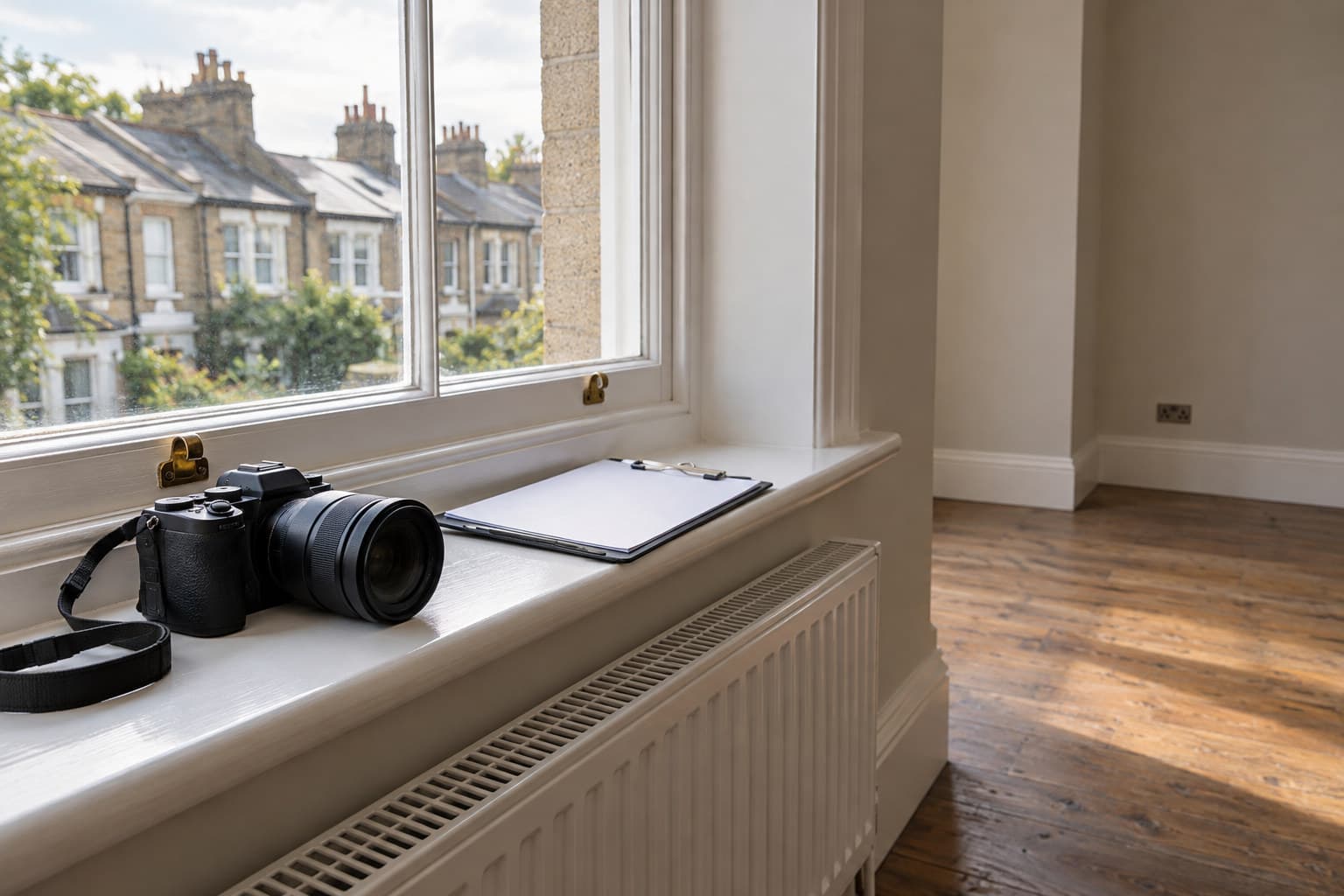
A property condition report is a photographic and written record of a property’s state at a fixed point, used to compare check in against check out or to evidence a defect at a single visit.
What a property condition report actually records
For a surveyor, the term covers two different jobs that get lumped together under one name. The first is a single fixed-point inspection: one visit, one dated record of what you found, used as evidence for a defect, a dispute, or a pre-purchase decision. The second is a comparative record: a check in report and a check out report, taken months or years apart, used to show what changed.
Both rely on the same underlying discipline. A description of a defect without a photograph is an opinion. A photograph without a location, a date, and a note of what is wrong is just an image. The report only has evidential weight when all three are tied together: where it is, what it looked like, and when.
Check in: setting the baseline
A check in report is only useful if it is thorough enough that nobody can later argue the baseline was incomplete. Every room, every surface, every fixture gets a photograph, not just the obvious damage. A clean carpet needs recording as clean just as much as a stained one needs recording as stained, because the absence of a photograph is often read as the absence of a problem, which is not the same thing.
- Photograph each room from at least two angles, plus close-ups of anything with existing wear
- Record meter readings and key handovers alongside the visual record, not as an afterthought
- Note decorative condition separately from structural or mechanical condition, since they age and get disputed differently
- Date-stamp everything and keep the file structure consistent so check out can be laid against it room by room
Check out: the comparison that actually matters
The check out visit is where the baseline earns its keep. The job here is not to describe the property afresh, it is to hold the check in photograph next to the current state and identify what has genuinely changed, as distinct from fair wear and what was already there. A surveyor who skips the comparison step and writes a fresh standalone report at check out has effectively thrown away the evidential value of the check in visit.
This is where photo organisation by room and by item becomes the difference between a report that holds up and one that gets picked apart. If the check in photo of a kitchen worktop and the check out photo of the same worktop are not filed so they sit together, the comparison has to be done from memory, which is where disputes come from.
Photographing defects so they are not argued with
Whether it is a single-visit condition report or one half of a check in and check out pair, the photograph itself needs to survive scrutiny. A wide shot establishes location. A close shot with the defect circled or marked establishes what is wrong. A verbal or written note at the point of capture, rather than reconstructed later from memory, keeps the description accurate to what was actually seen that day.
When a condition report overlaps with a snagging survey
On a new build, a pre-completion condition report and a snagging survey are often the same exercise under different names. The New Homes Quality Code Version 2, from March 2026, gives the buyer the right to a pre-completion inspection, carried out either by a professional from a recognised body such as CABE, CIOB, ICWCI, RICS or RPSA with professional indemnity insurance, or by the buyer using the NHQB checklist. Where issues breach warranty technical standards, the code describes the developer addressing them ideally before legal completion or within 30 days.
A professional snagging survey of this kind typically costs £300 to £600 depending on the size of the property. Separately, NHBC Buildmark cover, where it applies, runs for two years from legal completion as a builder warranty period, followed by eight years of insurance against specified structural defects, with a free NHBC resolution service available in the first two years.
Structuring the report so it is usable later
A condition report that cannot be read quickly by someone who was not on the visit has failed at its job. Grouping by room keeps it navigable for a tenant or buyer walking through the property with the document in hand. Grouping by trade keeps it usable for whoever has to action the findings, since a plasterer does not need to read through plumbing notes to find their items.
Keeping both structures available from the same set of photographs, rather than producing two separate documents, is what makes a report efficient to use on both ends: the reader who wants the room-by-room walk and the contractor who wants their trade isolated.